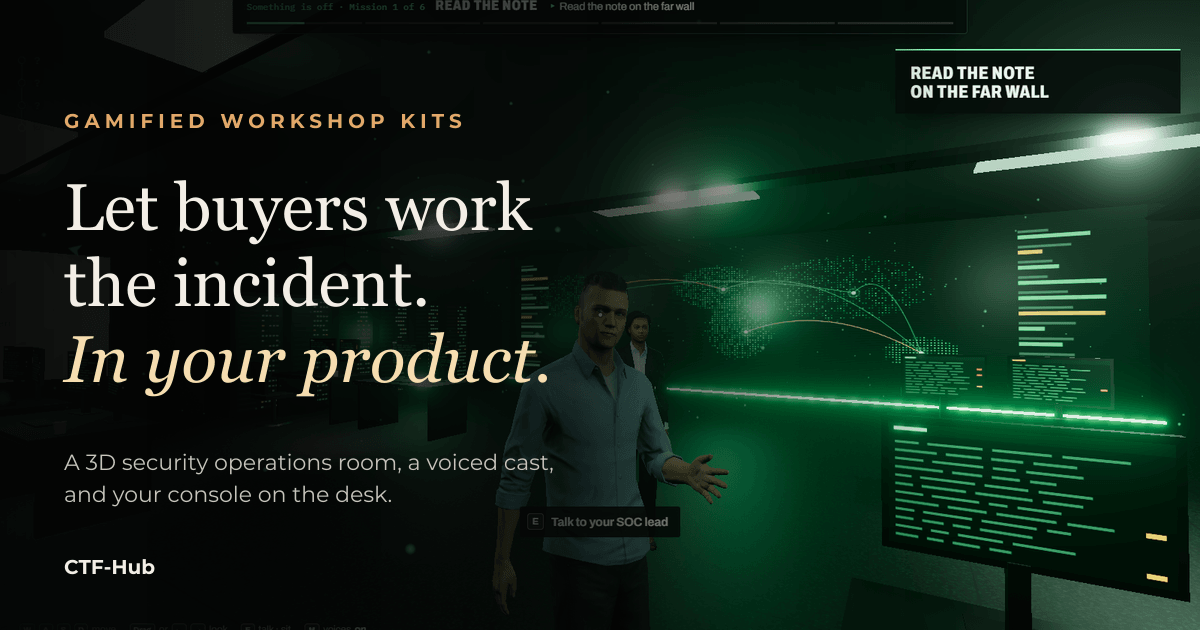
For security sales teams
Your next demo, played instead of watched.
Put the prospect in a security operations room with an incident running and your product on the desk. They find the attacker with your console, under pressure, with people talking to them. They remember it because they did it.
A demo they watch, or an incident they work
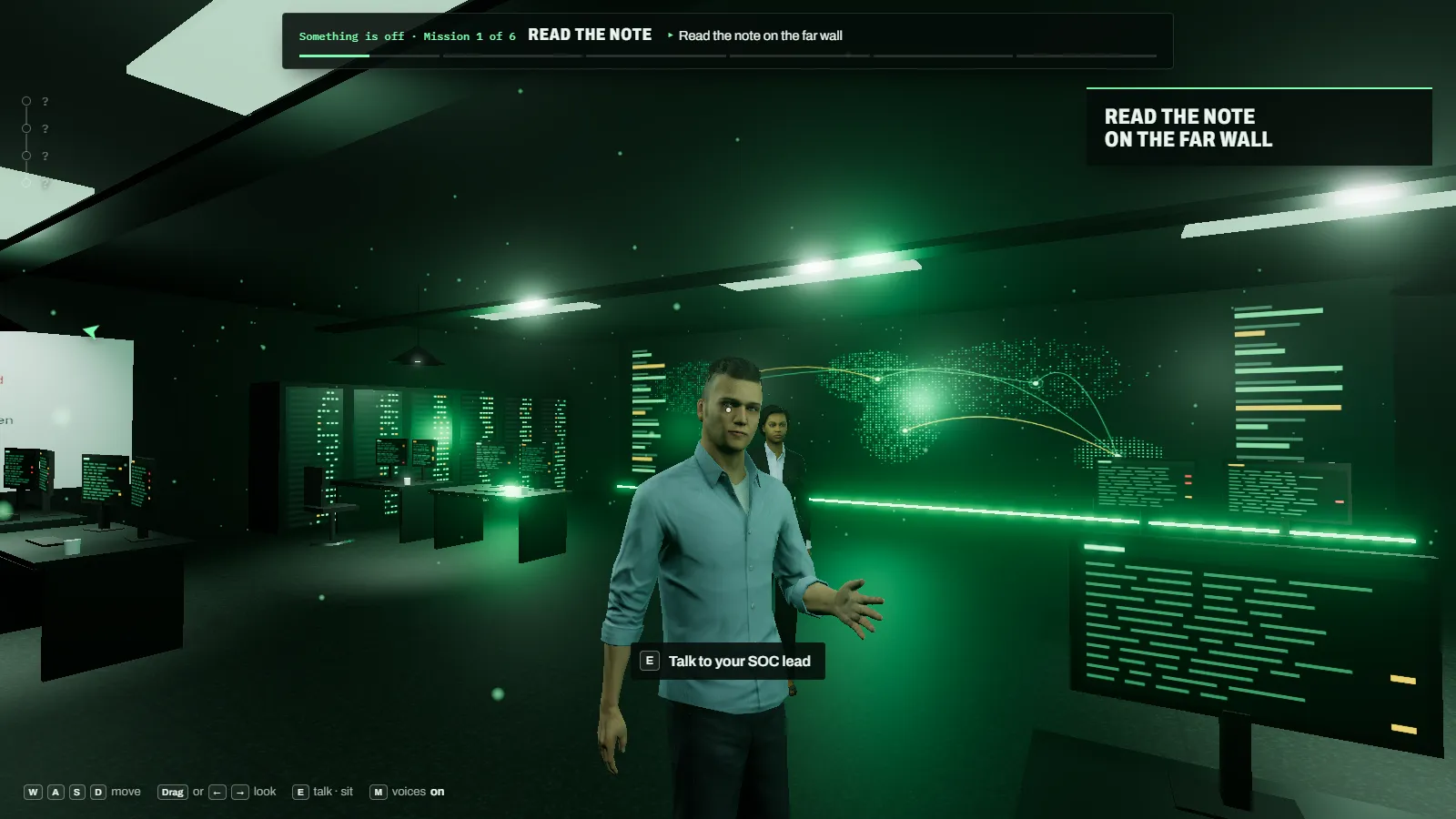
A product demo asks the buyer to imagine using the product. A gamified workshop makes them use it. The player sits at a terminal in a security operations room and works one incident from the first alert to the debrief. The product on the desk is yours.
The room does what a real shift does. A lead briefs them and asks questions. A colleague gives hints. Messages arrive. The phone rings and the caller will not wait. Someone senior walks in and wants a straight answer. The player answers all of it from what they found in your console.
What a player goes through
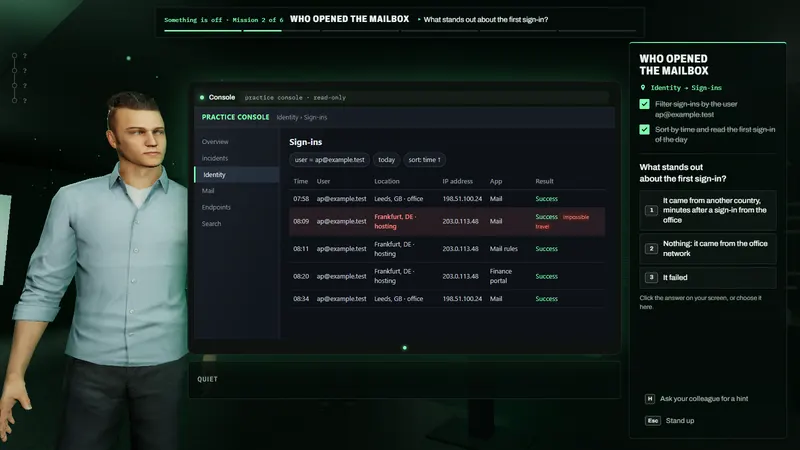
The work happens in your console
At the desk the player works the case in your product: steps to follow, a question with one right answer, and a colleague who gives a hint when asked.
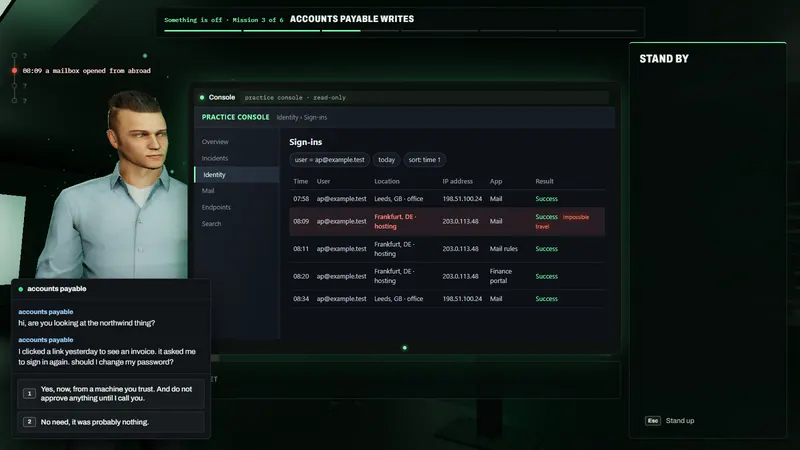
The company keeps talking
Messages arrive while they work. The reply they choose has consequences in the story.
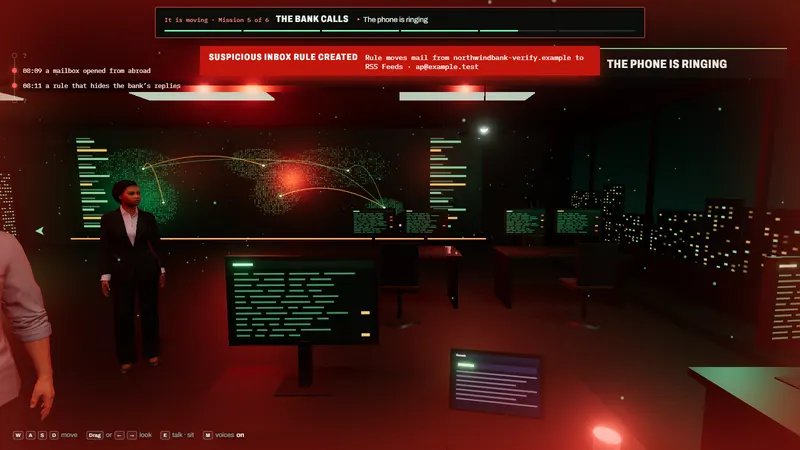
Detections land in the room
A new alert turns the room red and adds a stage to the attack timeline on the left.
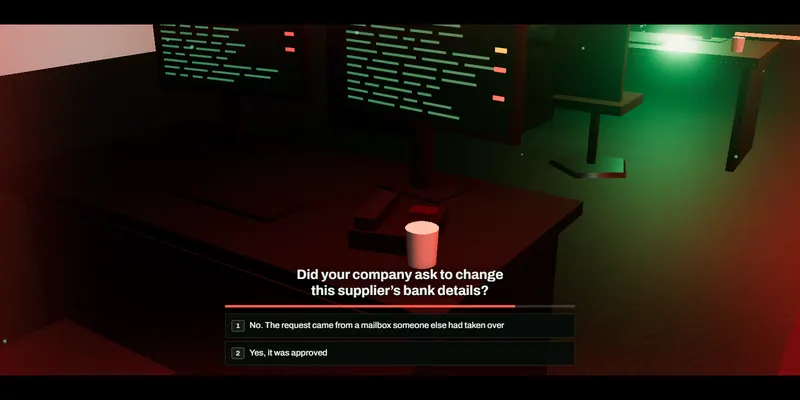
The phone rings, against the clock
Someone calls with questions and a timer. The answers come from what the player found in your console.
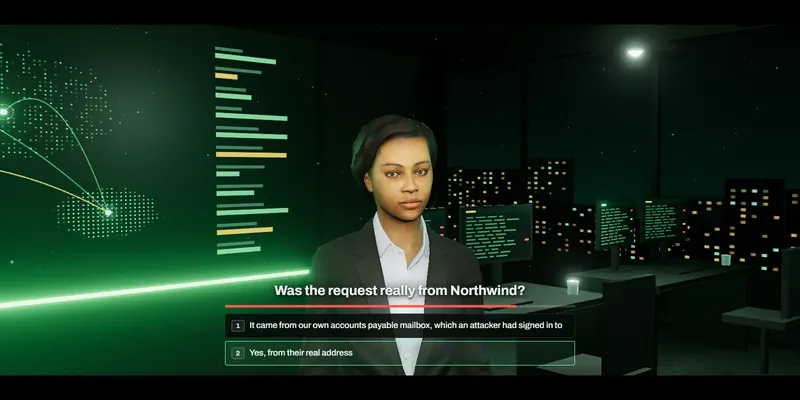
An executive walks in
Questioned face to face, the player has to explain what happened in plain words: the part of the job a demo never shows.
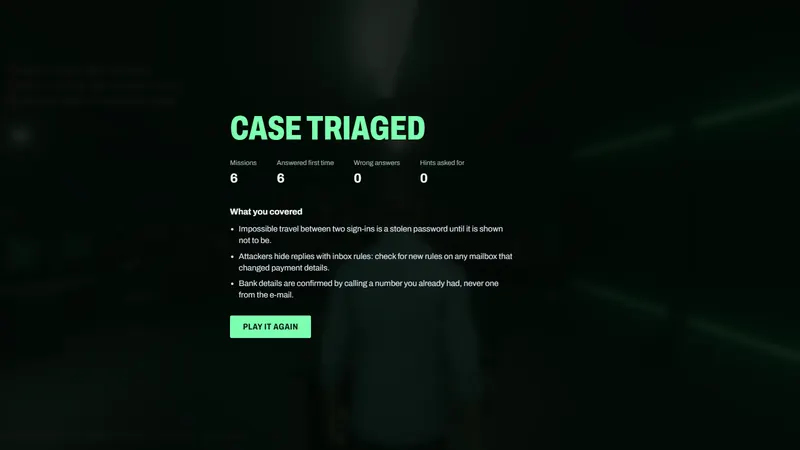
A score and a debrief
At the end: what they covered, how many answers were right first time, and how many hints they needed.
What is in a workshop kit
A kit is everything needed to run the workshop again and again, with any audience:
- The scenario. An incident told around your product’s real workflow: the attack stages, the scenes, the questions and the debrief.
- Your console on the desk. Screens recorded from your demo environment that respond to clicks like the product. Players never touch a live tenant, and there is no lab to keep running. A live lab can be used instead.
- A voiced cast. A lead who briefs and asks, colleagues who give hints, a caller, an executive. Every one of them speaks.
- The editor. Your team changes lines, questions and hints in CTF-Hub and publishes when it is right. Your own AI tools can write drafts too.
- A score. Every player ends with what they covered, the answers they got right first time and the hints they needed: something concrete to talk about afterwards.
Where it sells
- Prospect workshops. In a meeting room or on a call, the prospect’s team plays the case and your engineer talks them through what they just did.
- Partner enablement. Every partner works the same case in your product and gets the same score, without a lab per partner.
- Events and booths. A short shift with a score gives people a reason to stop, and gives your team a conversation that starts from the product.
- Customer onboarding. New users meet the product on a case before they meet it on their own data.
How a kit is built
- Choose the incident. Pick the attack your product is best at catching, and the path an analyst takes through the product to find it.
- Record the console. Walk that path in your demo environment. The screens become the console on the desk.
- Write the scenario. In the CTF-Hub editor, or with your own AI tools through the CTF-Hub MCP server. Either way it is a draft until a person publishes it.
- Voice it, play it, publish it. Record the lines, play it through, fix what drags, and publish.
Your team can build kits on its own, or our team builds the first one with you.
Safe to put in front of buyers
Players see only what you recorded and published. The console does not connect to your environment, so nobody can wander off the path or change anything. AI tools that write workshops can only save drafts: they cannot publish, delete, or change a workshop players are using. Before you record, use a demo environment with invented data, and check what is on every screen before you publish.
In the platform
3D workshops, the editor and the player are included on Pro and Enterprise.
Compare plansBook a walkthrough
Tell us about your product and who you sell to. We will play a workshop with you and show how a kit for your product would work.
Frequently Asked Questions
Do players install anything?
No. A 3D workshop plays in the browser, inside CTF-Hub.
Does the workshop connect to our live environment?
Not by default. The console on the desk is made of screens recorded from your demo environment, so players never reach a live tenant. If you want players in a real lab, the workshop can open one instead.
Which plans include 3D workshops?
Pro and Enterprise. Building a kit with our team is scoped per kit: book a walkthrough and we will quote it.
Can we write our own workshops?
Yes. Your team writes and edits them in the CTF-Hub editor. Your own AI tools can also write drafts through the CTF-Hub MCP server; they cannot publish, so a person reviews every workshop before players see it.
Share this article
IIYour move
Ready to Launch Your CTF Competition?
Join thousands of organizations using CTF-Hub to train cybersecurity professionals worldwide.